Industrial Lenses & Systems
Schneider-Kreuznach lenses and systems for industrial applications.
More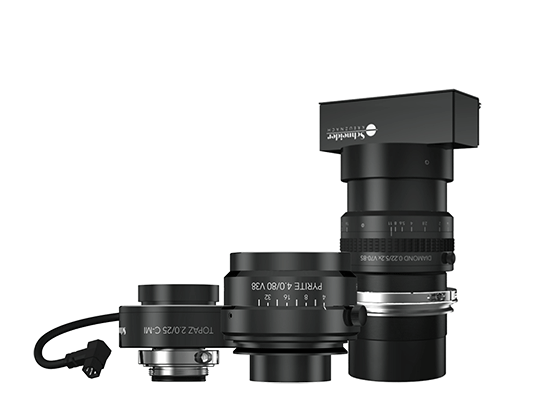
Schneider-Kreuznach lenses and systems for industrial applications.
More
At our booth 10C26, visitors will have the opportunity to experience firsthand the capabilities of our products and...
2023 was a particularly difficult year for the film industry. The writers' and actors' strike paralyzed the industry...
Schneider-Kreuznach introduces the new Cine Filter Radiant BlackTM in the diffusion filter category. This filter is the...